
Say it instead.
Give instructions on the go. Native voice input turns what you say into a message for your agent.
Check which Chats are still running, reply to your agents, and find anything in your Spaces. Cohub, native on iOS and Android.
Open source. Sign in with the Cohub account you already have.
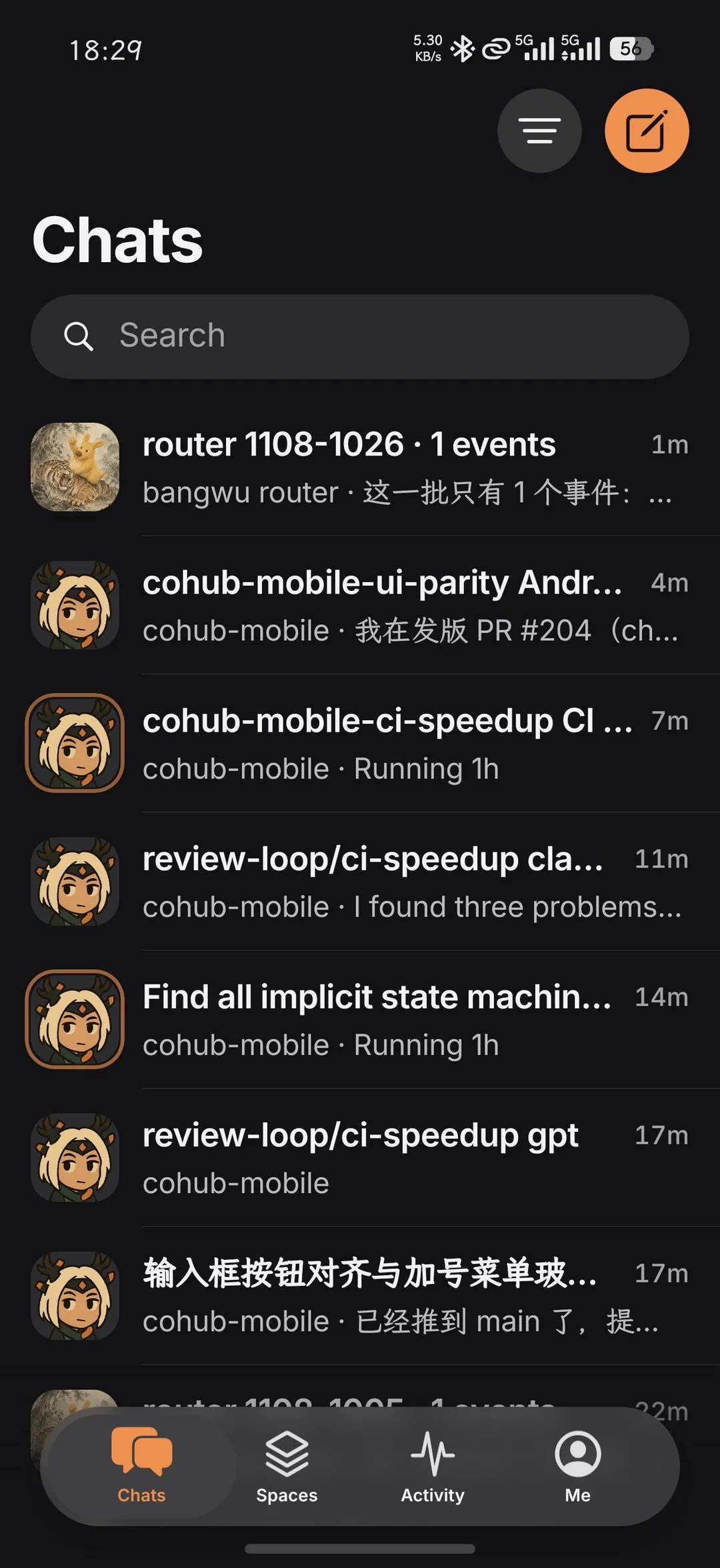
Chats Every Chat from every Space in one list. Running Chats get an orange ring, so you can see what’s still working.
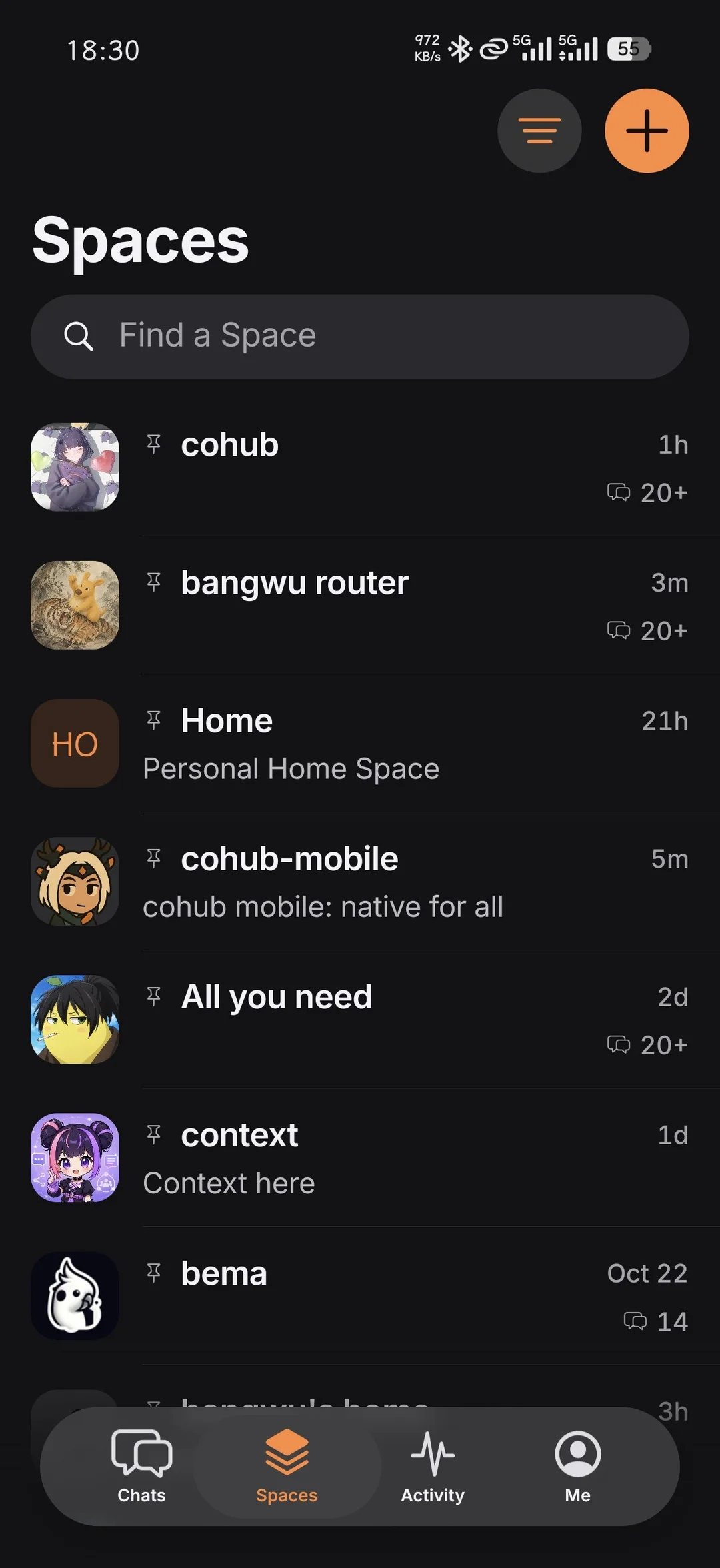
Spaces Chats, Files, Works, Saves, and Task runs, together in each Space. Pin the ones you open every day.
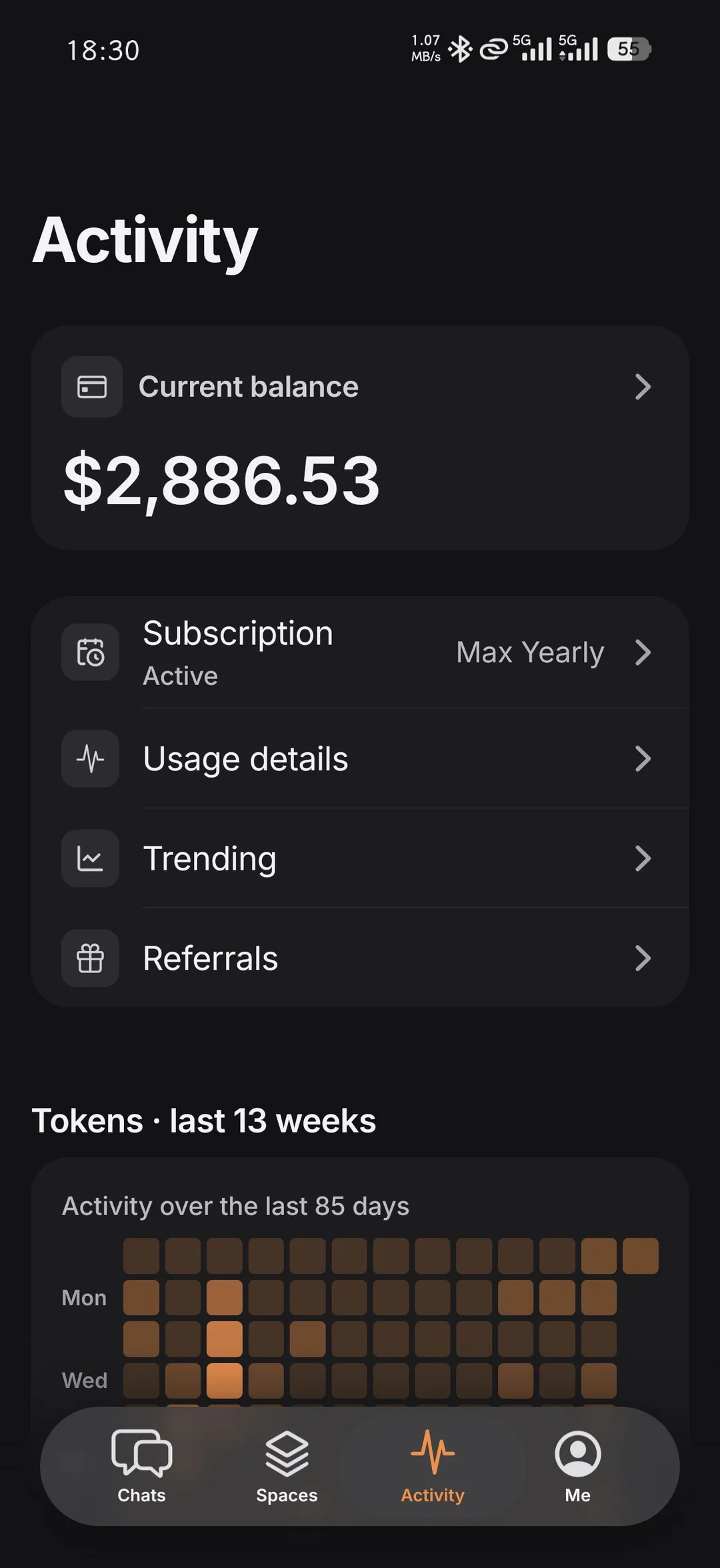
Activity Your balance, plan, and usage, plus a heatmap of the last 13 weeks of tokens.
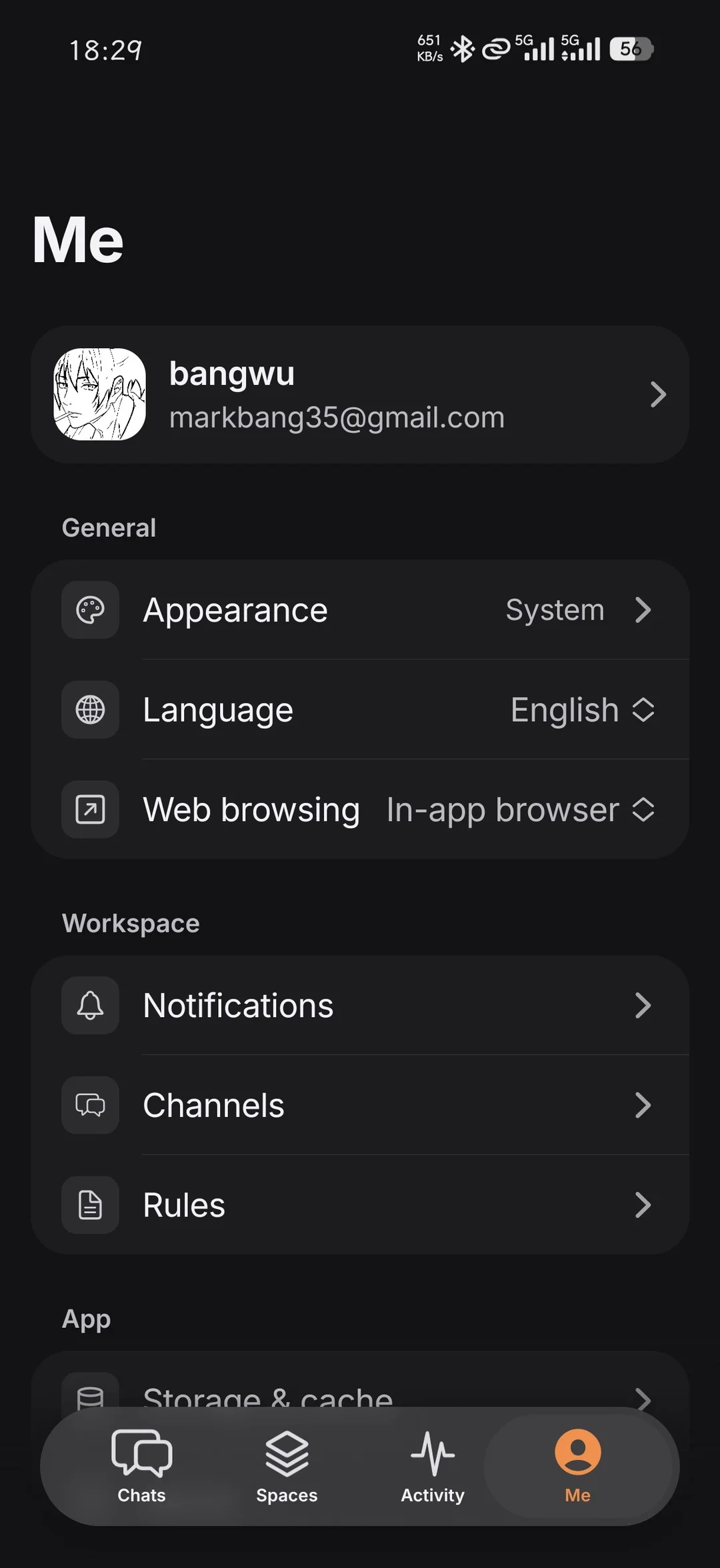
Me Theme, language, notifications, channels, and rules. Set them once.
Not a web page in a wrapper. Voice, notifications, and even the phone itself work the way a phone should.
Give instructions on the go. Native voice input turns what you say into a message for your agent.
Start a long task and put your phone away. When the agent finishes, one tap on the notification opens that Chat.
Connect a folder on your phone and agents work in it directly while Cohub stays connected. Share the screen, and people in the Space can watch and steer it from the web.

Sign in with your Cohub account. On iOS, install Apple’s TestFlight app first, then open the beta invite.